Finrely for Zoho Books
Management reporting, planning, consolidation and AI on top of Zoho Books - read-only.
Read-only connection · Free plan included · No card required
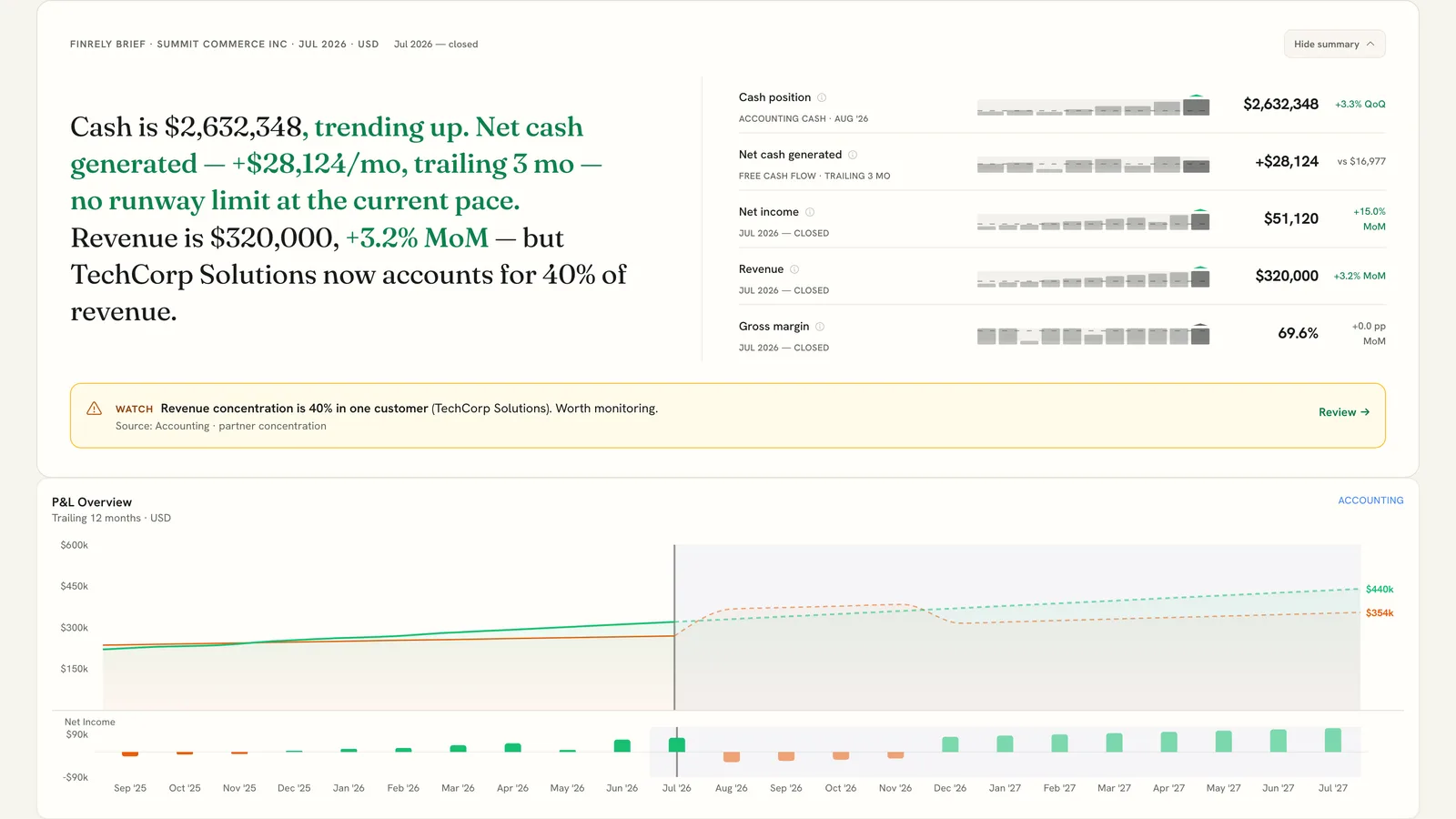
Your Zoho Books data, as a finance cockpit
Reporting that ties to Zoho Books
Monthly P&L, balance sheet and cash flow built from your Zoho Books data, with drill-down by account, reporting tag and customer or vendor.
AR/AP ageing and data quality
Receivable and payable ageing by counterparty, captured at each month end, and a Data Quality Score that shows how solid the figures in your books are.
Budgets and forecasts on actuals
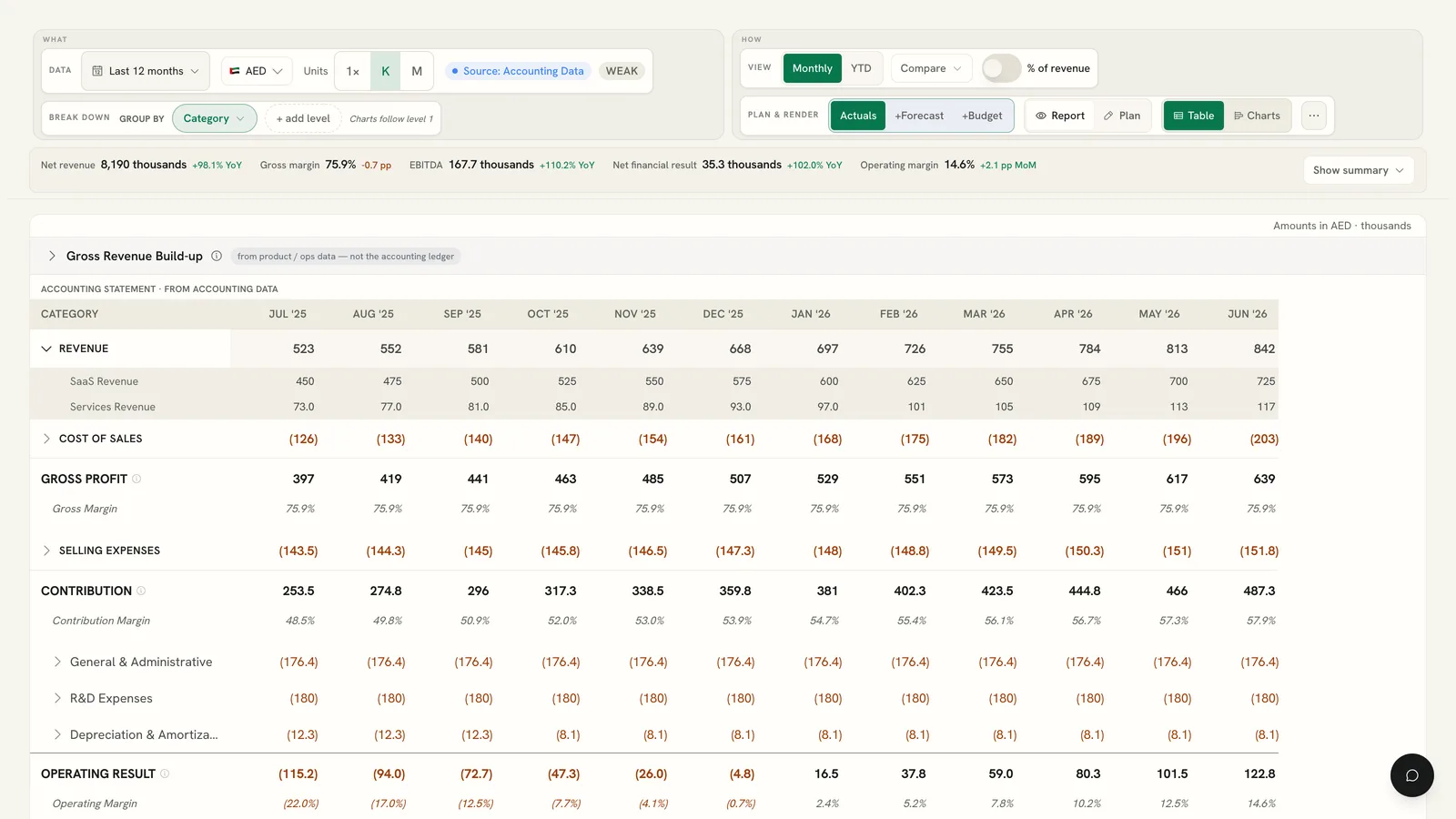
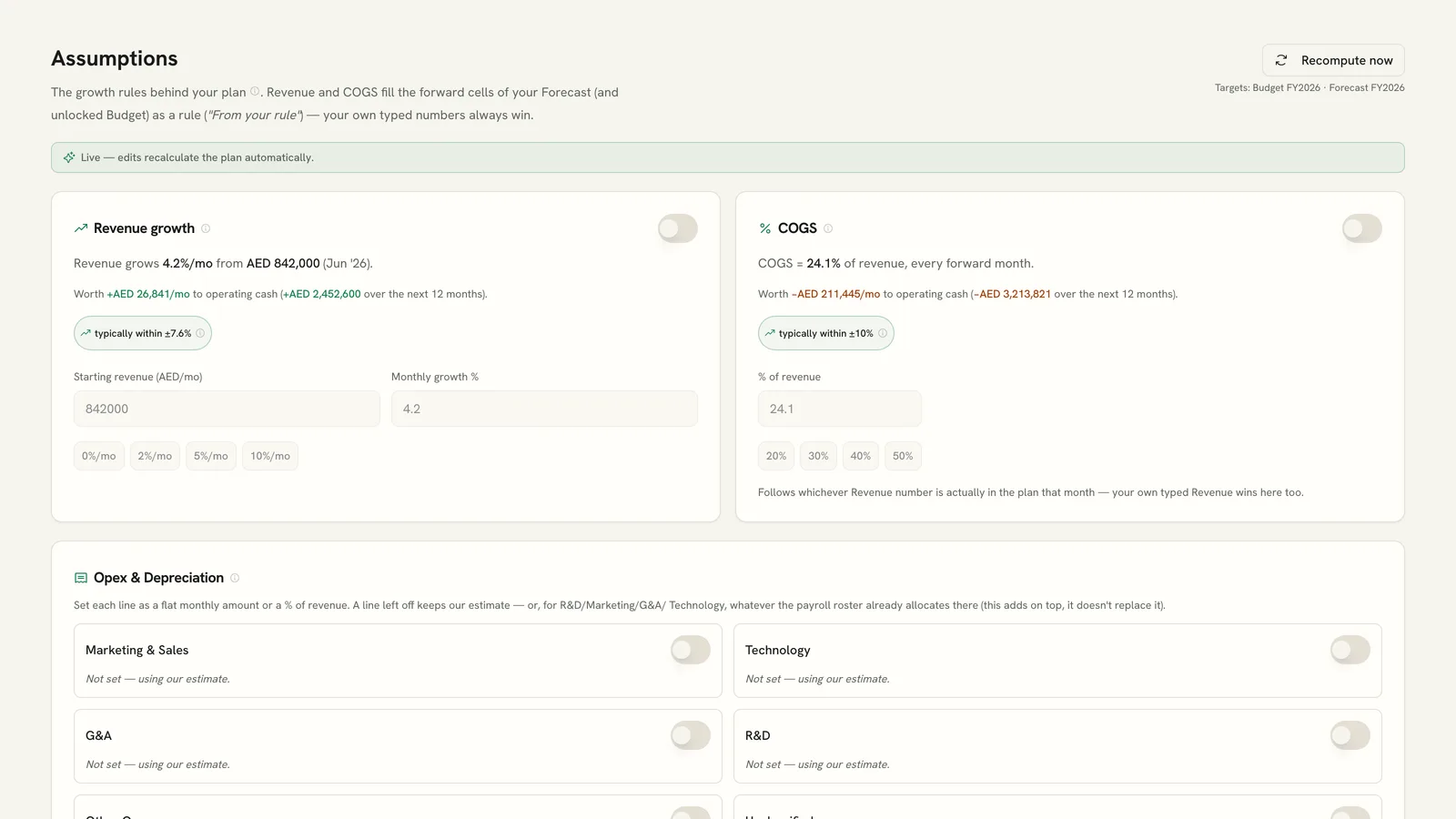
Budgets and forecasts built on your synced Zoho Books figures, with budget vs actual and variance commentary. On the Pro and Advisor plans.
Group reporting
Combine or consolidate several companies into group P&L, balance sheet and cash flow, with intercompany eliminations. On the Pro and Advisor plans.
AI Insights and AI chat
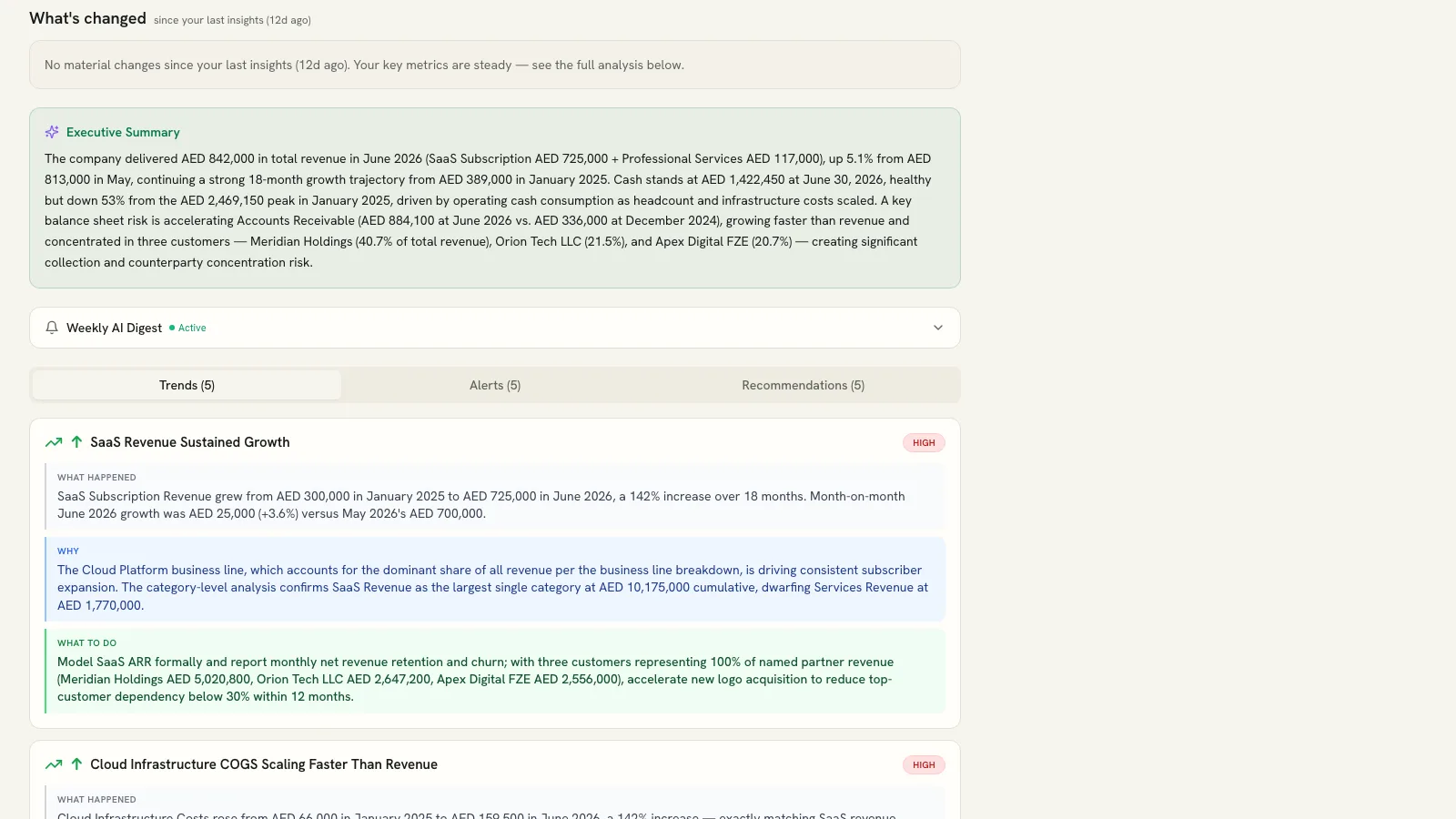
AI Insights explain what changed and why; AI chat answers questions about your own numbers. Both work only from your synced data and stay off until you explicitly enable them.
Board Pack and editable export
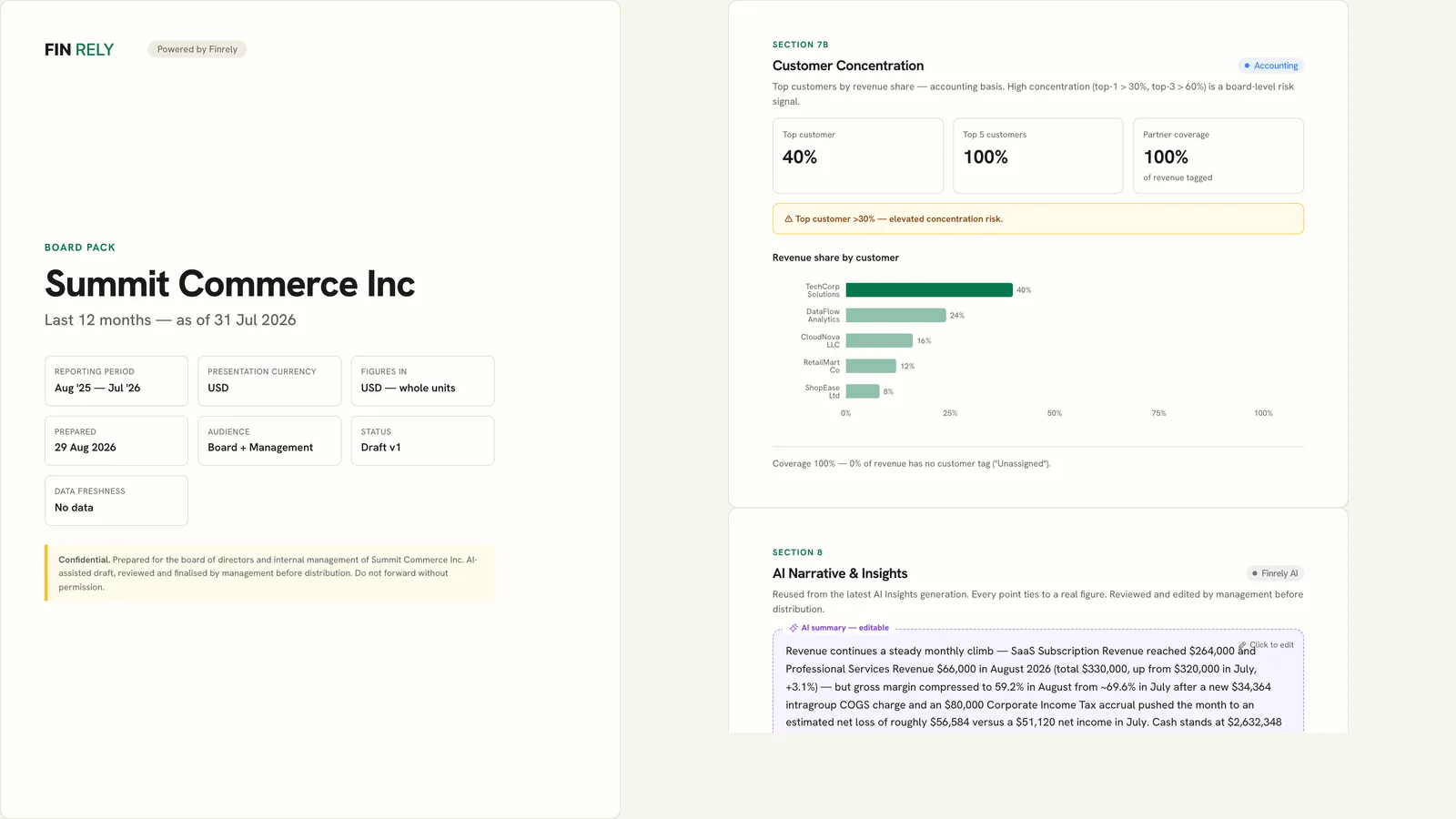
A board pack in minutes, and editable Excel and CSV exports of your reports. Downloads on the Core, Pro and Advisor plans; Free includes a Board Pack preview.
Connected in three steps
Pick your region
In Finrely, open Integrations and find the Zoho Books card. Choose Global / Auto-detect (recommended), Europe (.eu) or Saudi Arabia (.sa).
Authorise on Zoho
Click Connect. Zoho's own consent screen opens - no API keys or credentials are entered into Finrely. Approve, and you are returned to Finrely.
Confirm the organisation
If your Zoho login reaches more than one organisation, confirm which one to use. The first sync starts on Finrely's own servers - you can close the tab.
Step-by-step instructions: Zoho Books setup guide
Your books stay exactly as they are
- Every permission Finrely requests from Zoho ends in .READ - there is no write, create, update or delete permission in the request.
- Nothing is ever written back to Zoho Books. The sync only calls read endpoints.
- Finrely stores period aggregates derived from your data, not a copy of your ledger.
- Access tokens are encrypted at rest (AES-256-GCM). The decryption key lives only in Finrely's server environment.
- AI is off until you turn it on: Finrely requires explicit consent before any financial data is sent to a model.
The full list of what is read and what is never written: What Finrely reads
Plans and pricing
Free to connect. Zoho Books is included on every Finrely plan, including Free.
Prices in USD. Monthly billing, cancel anytime. Beta prices are locked for 12 months when you join now.
Free
forever free
- Zoho Books connection
- Included
- Companies
- 1
- Admin users
- 1
- Viewers
- 1
- History
- 24 months
- AI Insights / month
- 3
- Planning and consolidation
- Board Pack and Excel export
- Preview
Core
per month, beta price
- Zoho Books connection
- Included
- Companies
- 2
- Admin users
- 2
- Viewers
- Unlimited
- History
- 36 months
- AI Insights / month
- 20
- Planning and consolidation
- Board Pack and Excel export
Pro
per month, beta price
- Zoho Books connection
- Included
- Companies
- 5
- Admin users
- 5
- Viewers
- Unlimited
- History
- 36 months
- AI Insights / month
- Unlimited (fair use)
- Planning and consolidation
- Board Pack and Excel export
Advisor
per month, beta price
- Zoho Books connection
- Included
- Companies
- 15
- Admin users
- 15
- Viewers
- Unlimited
- History
- 36 months
- AI Insights / month
- Unlimited (fair use)
- Planning and consolidation
- Board Pack and Excel export
Common questions
- Does Finrely write to Zoho Books?
- No. Every permission Finrely requests from Zoho ends in .READ, and the sync only ever calls read endpoints. Nothing is ever written back to your Zoho Books organisation.
- Which Zoho regions are supported?
- Global / Auto-detect (recommended), Europe (.eu) and Saudi Arabia (.sa). Auto-detect is right for most accounts: Finrely then routes every later API call to the domain Zoho itself returns for your organisation.
- How often does it sync?
- Once a day, automatically, and on demand with Refresh data on the Zoho Books card. Zoho's API has a daily ceiling per organisation (1,000 calls on the Zoho Books Free plan, more on paid Zoho plans); if a sync reaches it, Finrely pauses and resumes automatically after Zoho's daily reset.
- Is a paid Finrely plan required?
- No. Zoho Books is available on every Finrely plan, including Free - no paid plan is required to connect it, run P&L, balance sheet and cash flow reports, or use AI Insights.
Vendor and support
- Vendor
- Reliafins FZE
- Registered address
- Business Centre, Sharjah Publishing City Free Zone, Sharjah, United Arab Emirates
- Support email
- [email protected]
- Help center
- finrely.com/help · Zoho Books setup guide
- Legal
- Privacy PolicyTerms of ServiceDPASubprocessors